

Key takeaways
Choosing the right hosting provider is important for a fast, secure, and reliable website that supports your goals now and as you grow. Focus on your real needs and test options before committing, rather than simply picking based on price or storage space.
Key points:
- Match hosting type (shared, VPS, cloud) to your traffic, budget, and growth plans.
- Look for strong uptime, support, easy upgrades, and security features over storage size.
- Avoid choosing based on the lowest price or most storage; performance and future needs matter more.
- Always test hosting providers with trials, check support response, and read real user reviews.
- Your choice affects site speed, uptime, and customer trust, so choose carefully.
| Topic | Key Insight | Why It Matters | Action Item |
|---|---|---|---|
| Hosting Basics | Hosting puts your site online and keeps it running | Without hosting, your site can’t be found | Make hosting a priority for any website |
| Types of Hosting | Shared, VPS, and cloud fit different needs/sizes | The right type supports traffic and growth | Match hosting type to your site’s stage |
| Performance & Support | Uptime, speed, and 24/7 support are crucial | Better experience for users and owners | Prioritize these over flashy features |
| Security & Reliability | SSL, backups, and protection tools are must-haves | Keeps your site safe and available | Choose providers that include these features |
| Common Mistakes | Don’t pick just on price or storage size | Can lead to poor reliability or scalability | Focus on long-term value and support |
| Testing Providers | Trials, speed tests, and support checks show reality | Marketing claims may not match real results | Always test before you buy |
Every business and website owner faces one big question: how to choose hosting provider that truly matches their needs and goals. The right choice can mean faster load times, better security, and more sales or engagement. The wrong one? Frustration, downtime, and wasted dollars. Let’s break down what is hosting, why I need hosting, how to choose hosting—and the real-world details that deliver proven results.
Understanding Website Hosting
Website hosting means storing your website’s files on a server, so people can visit them from anywhere, at any time. Think of hosting as renting a spot on the internet for your website to live. Without hosting, your website simply can’t be found online.
You might be building a blog, running an online shop, or setting up a business portfolio. No matter your goal, hosting is a must. It’s your website’s “home base.” Not all hosting is the same, though. Picking the right type affects speed, reliability, and future growth. This is why understanding how to choose hosting matters at every step.
Before setting up hosting, you’ll need a domain name—check our guide on how to choose a great domain name to get started.
Plenty of people ask, “What is hosting, and why do I need hosting if I’m only starting with a small site?” Even a basic blog or portfolio needs proper hosting to be seen—and to grow when the time comes.
Anyone wondering, “Why I need hosting?” should consider:
- Hosting puts your site online, ready to reach potential customers or readers.
- Good hosting keeps your site running, even if traffic surges.
- You get improved security, backup options, and tools to manage your website smoothly.
If you want results that count, starting with a solid hosting provider is non-negotiable. Need proof? Industry sources show that over 260 hosting providers battle for attention, but only a fraction really support business goals long-term.
Types of Web Hosting Explained
Here’s an answer-first summary: The main types—shared hosting, VPS, and cloud hosting—offer different mixes of price, control, and performance.
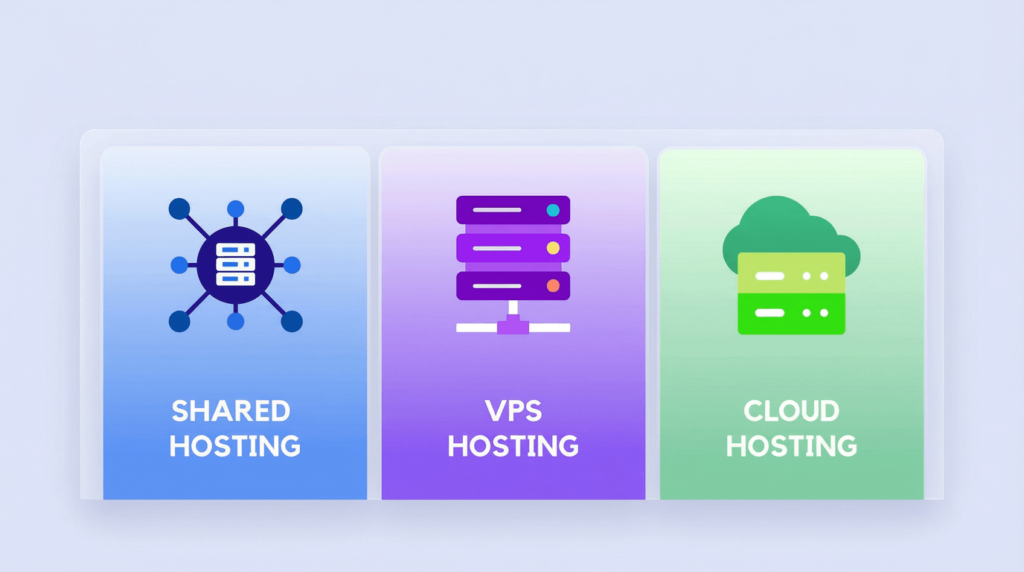
Shared Hosting
- What is it? Many websites share the same server and its resources.
- Pros: Affordable, beginner-friendly, easy setup.
- Cons: Resources are shared, so spikes in traffic can slow your site.
- Best for: Small blogs, portfolios, or low-traffic business sites.
VPS (Virtual Private Server) Hosting
- What is it? One server split into several “virtual” private spaces.
- Pros: More control, stability, and customization than shared hosting.
- Cons: Costs more; you handle more settings.
- Best for: Growing businesses, online stores, medium-traffic sites wanting more power.
Cloud Hosting
- What is it? Your site is stored across many servers, not just one.
- Pros: Great reliability, fast scaling, handles big traffic changes.
- Cons: Can cost more as you grow; sometimes complex to set up.
- Best for: E-commerce, high-growth websites, startups needing flexibility.
Choosing between shared hosting vs VPS vs cloud hosting boils down to expected visitors, your technical skills, and the results you want. For example, at eDIGINO, we help businesses switch from shared hosting to cloud hosting when their online store traffic triples overnight. Speed and uptime mean sales—period.
Determining Your Website Requirements
Don’t fall into the trap of picking a hosting plan based on the largest number or smallest price. Think about why I need hosting, and how to choose hosting for my REAL requirements.
First, outline your goals:
- Blogs and portfolios use less space; shared hosting may be fine.
- Business websites need reliability and basic security.
- Online stores with lots of products or customers benefit from VPS or cloud hosting.
Next, estimate your needs:
- Traffic: How many visitors do you expect each month? Will this number grow fast?
- Storage: Most sites need much less than 200GB. Focus on SSD storage for speed, not just size.
- RAM/CPU: These affect how well your site loads under heavy use.
A practical example: We often work with local businesses who think “the more storage, the better.” In truth, a small shop or service site thrives with as little as 10–20GB SSD if uptime, security, and support are solid. Expert recommendations agree: it’s easy to upgrade resources as you grow, so start with what you need, not what looks biggest on paper.
Key Factors to Consider When Choosing a Hosting Provider
Now, let’s get straight to what matters when you look at how to choose hosting:
Performance and Reliability
- Uptime guarantee: Look for 99.9% or higher—downtime means lost sales or missed visitors source.
- Speed: Fast servers with SSD storage and CDNs keep sites snappy (also crucial for SEO—learn more in The Truth About SEO: Dispelling 10 Common Myths).
Security
- SSL certificates for safe browsing.
- Weekly or daily backups so you never lose data.
- Malware and DDoS protection built-in.
Scalability
- Easy upgrades (storage, RAM, CPU) for when you grow.
- Cloud hosting and VPS make expanding hassle-free.
Features
- User-friendly control panels (cPanel, Plesk).
- Email hosting and easy site staging.
- Managed hosting for hands-off website care.
Customer Support
- 24/7 support—reach help when you need it.
- Live chat, phone support, and strong documentation.
- In the Age of AI, the stronger chatbot company has – the better. A lot of small questions can be answered without human interference.
Usability
- Intuitive dashboards make daily tasks easy.
- Good guides and how-tos save time.
Pricing
- Transparent, with clear renewal rates. No hidden fees. Every additional paid feature must have a clear benefit for your business.
- Look for free trials or money-back guarantees so you can test before committing.
Reputation
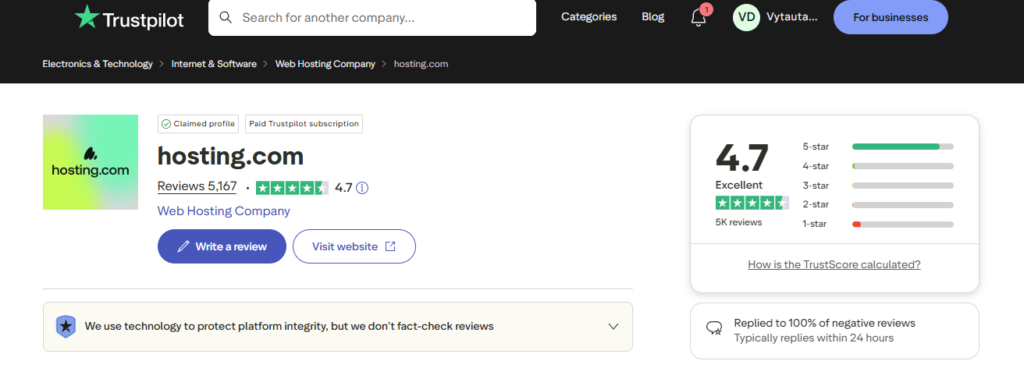
- Read actual user reviews—not just testimonials on the provider’s site. Truspilot is a great place to start. Try to look for 1-2. Those ratings are usually in-depth.
- Test for real response times and uptime before you commit.
If you use these criteria, you’ll avoid the pain points many others face. Need more details? The Hostinger guide sums it up well: Align your website’s goals with the host’s strengths, not the other way around. That’s how you get results.
Common Mistakes to Avoid
Here are problems we often see clients run into:
- Chasing the lowest price: Cheap plans often cut corners on support, speed, or security.
- Focusing only on storage: Most sites never need massive space. Prioritize uptime and features.
- Ignoring real requirements: What works for a blog might not work for your store when Black Friday hits.
- Skipping support: When things go wrong, support quality matters more than fancy marketing.
- Not thinking about growth: It’s costly and stressful to switch hosts during a traffic crunch.
Most issues come from not knowing how to choose hosting for your business goals, not just today’s needs.
Top Hosting Providers Compared
Let’s look answers-first at the market’s leading options.
1. Hostinger
- Strengths: Affordable, high-value plans. Great performance on a budget.
- Suitability: Top pick for new sites, bloggers, and anyone looking for modern features without a big price tag.
2. Bluehost
- Strengths: 24/7 support, 1-click WordPress installs.
- Suitability: Small businesses, blogs, and freelancers who want consistent service and strong beginner features.
3. SiteGround
- Strengths: Fast support, advanced security, regular updates.
- Suitability: Websites needing professional-level uptime and robust tools, often recommended for WordPress.
4. A2 Hosting
- Strengths: Fast servers, developer options, reliable customer care.
- Suitability: Tech-savvy users, growing businesses demanding speed.
Choosing between providers comes back to how to choose hosting that fits your needs—not just the best hosting providers ranked by ads. Look at the unique selling points, support quality, and track record with businesses like yours.
How to Test Your Hosting Provider
Smart businesses never trust marketing alone—they test.
Here’s our process:
- Use free trials or demo accounts to see if the dashboard is as “easy” as promised.
- Submit test support tickets or chat requests at odd hours. Measure real response times.
- Run speed tests and monitor sample site uptime rates for at least a week.
- Create a checklist: Does the provider hit every must-have—performance, security, upgrades, and support?
We always advise clients to walk through this checklist. Real experience beats hype. Use refund guarantees if the host doesn’t deliver.
FAQs: Your Hosting Questions Answered
What is web hosting and why do I need it?
Web hosting lets you publish your website on the internet. You need hosting to keep your site live and available to visitors, 24/7.
What are the differences between shared, VPS, and cloud hosting?
- Shared: Many sites on one server; cheapest, but shared resources.
- VPS: Dedicated virtual space for your site; more control, higher cost.
- Cloud: Many servers work as one; top reliability, scalable, often costlier.
What should I consider when choosing a hosting provider?
- Uptime, support, scalability, security, backups, user-friendliness, and fair pricing. Match hosting type to your traffic and website goals.
Are storage space and bandwidth the most important hosting features?
No. Most sites need far less storage than you think. Focus on uptime, security, support, and room to grow.
Which are the most popular web hosting providers?
Hostinger, Bluehost, SiteGround, GoDaddy, and DreamHost.
Final Thoughts and Action Steps
To recap, answering questions like what is hosting, why I need hosting, and how to choose hosting comes down to this:
- Know your business goals (not just today, but next year).
- Match the right hosting type (shared, VPS, or cloud) to your traffic and complexity needs.
- Look beyond flashy specs—focus on performance, support, security, and upgrade options.
- Test providers yourself. Don’t just trust reviews and ads.
- Avoid the most common mistakes: choosing by price alone, overbuying storage, or neglecting future growth.
References:
